One-click timer
Start, pause and stop a task. The tray menu keeps the timer within reach while the window is closed.
 Task Tracker
Time tracking · on your desktop
Type what you're working on and press Start. Task Tracker keeps the clock running from the tray, sorts the time into projects and categories, and turns your week into a report you can bill from.
Free & open source · Linux, Windows & macOS · No account
Tracking: Write release notes
00:42:17
Today 4 tasks · 03:12:40 tracked
Sample data · press Stop to try it
Name the task, pick a project and categories.
From the window or the tray. Idle time gets a prompt.
Group by day, week or project and export a PDF.
Everything in one small app
Track as you go or fix entries afterwards. Reports, rates and exports work from the same local data.
Start, pause and stop a task. The tray menu keeps the timer within reach while the window is closed.
Give each project a colour and description. Tag tasks with comma-separated categories; the first one is the primary.
Daily, weekly, monthly or a custom range. Group by day, week or project, with subtotals and filters.
Set an hourly rate, the monthly hours at that rate and a price for extra hours. Reports show the total cost.
Save exactly what you see, with its filters and grouping, as a clean PDF report for a client or your records.
Tasks are JSON files in a folder you choose. No account and no server: back them up or sync them however you like.
A look inside
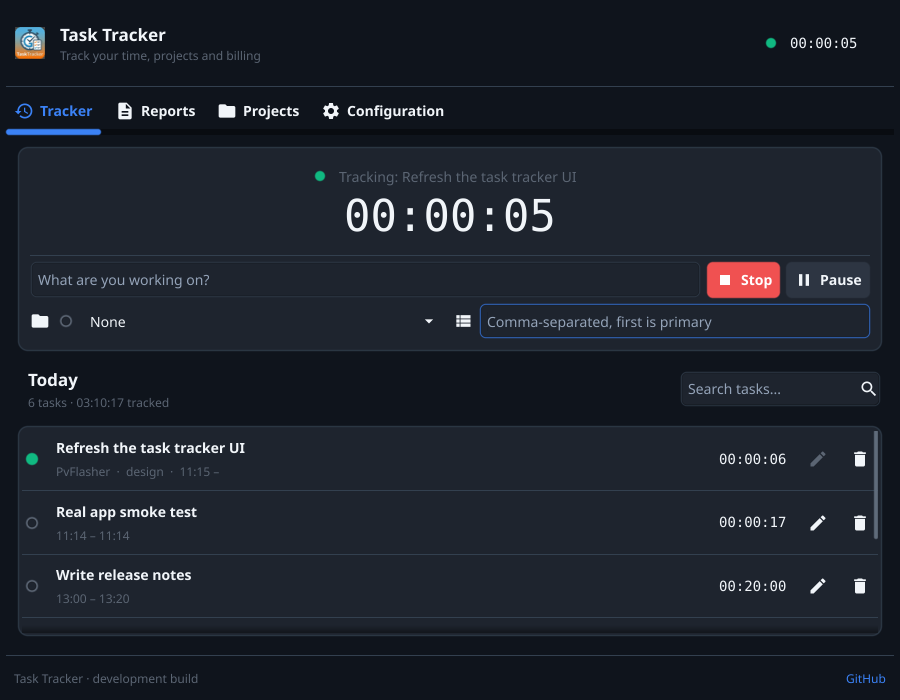
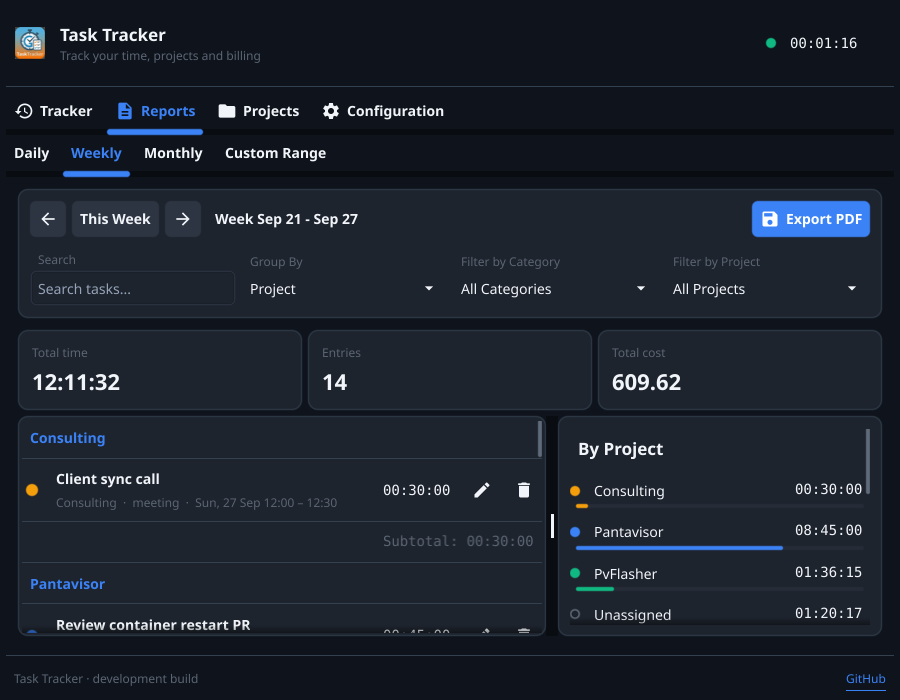
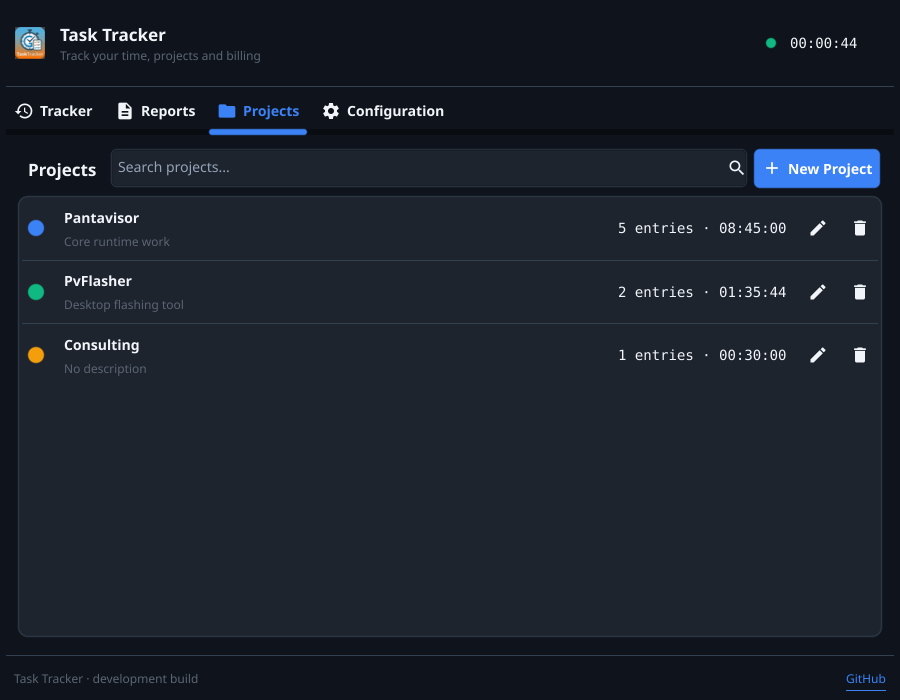
Checks once a day, shows the release notes and verifies the signature before installing. A running timer survives the restart.
Follow the system theme or pick one. The interface is in English and Spanish.
Away from the desk? Decide what to do with the idle minutes when you come back.
For your desktop
Pick your platform. Every download is a single app with no installer.
Finding the latest version…A single binary in a .tar.xz. Needs GTK 3. The Flatpak build uses desktop portals for file dialogs.
A portable .exe in a .zip for Windows 10 and 11. Unzip it and run.
A .app bundle for Apple Silicon. Unzip it and move it to Applications.
Files come from the GitHub releases of the project.